
Download Interactive Video Plugin for WordPress – Multimedia Tool, Video Editing, WordPress Integration
Overview
The Interactive Video Plugin for WordPress is a dedicated utility designed for content creators who prefer to host multimedia files directly on their own servers rather than depending on third-party platforms such as YouTube. This approach offers greater control over content delivery, privacy, and long-term accessibility. The plugin enables users to upload and embed audio and video files within their WordPress blog posts, supporting both self-hosted media and integration with Kaltura, a cloud-based video management service.
By doing so, it addresses common concerns related to external dependency, content monetization, and data ownership. The target audience includes bloggers, educators, marketers, and independent publishers who prioritize autonomy in content distribution. Real-world use cases include online course platforms, corporate training modules, and media-rich blogs that require consistent branding and uninterrupted playback.
The plugin plays a meaningful role in the WordPress ecosystem by enhancing the platform’s native multimedia capabilities, allowing for richer, more interactive content without sacrificing performance or control. Although the developer did not provide additional technical details, the plugin has been available since 2008, indicating a long-standing presence and potential reliability for users seeking stable, mature tools.
Key Features & Functionality
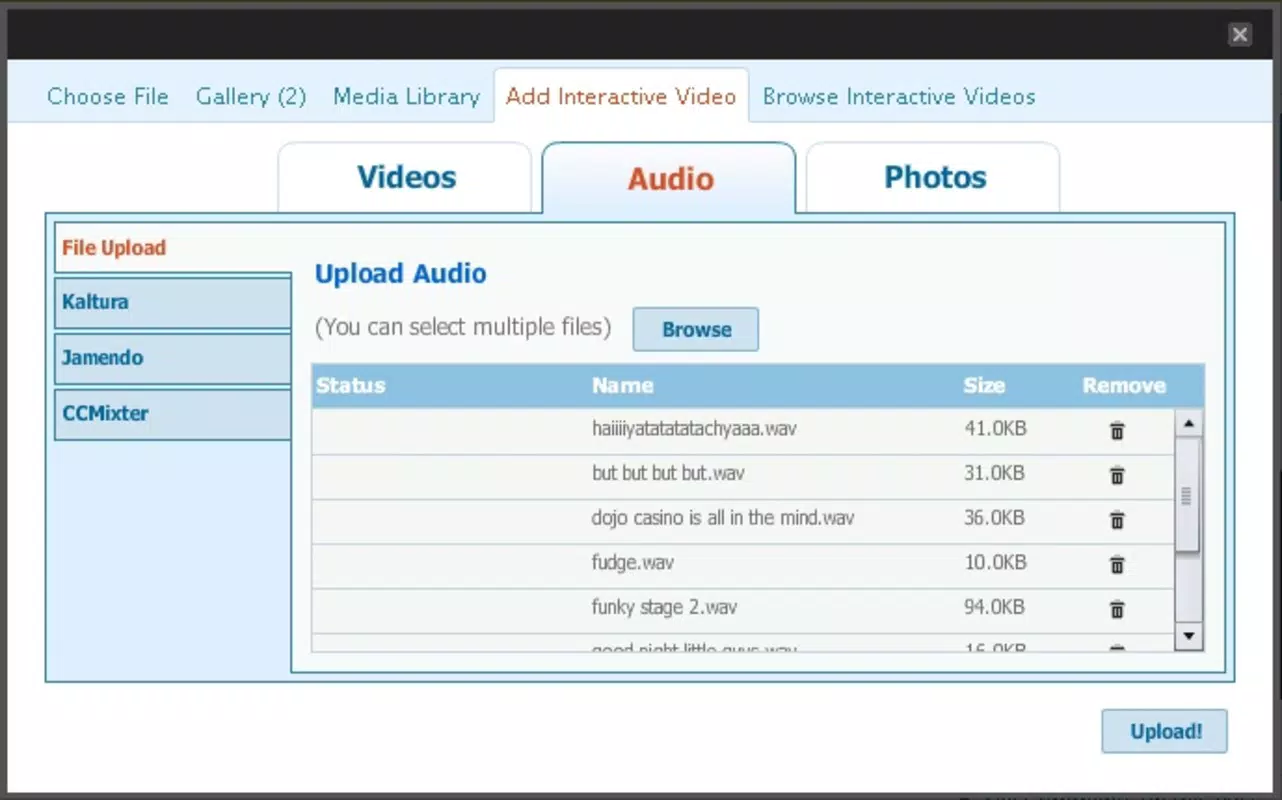
- Dual Upload Options: Users can choose to store video and audio files directly on their own server or leverage Kaltura for cloud-based management. This flexibility supports diverse hosting needs and technical skill levels.
- Online Video Editing: When using Kaltura integration, users gain access to a built-in video editor that allows for combining clips, adding transitions, and applying visual effects—ideal for creating professional-quality content.
- Broad Content Support: The plugin supports a wide range of media types, including YouTube videos, webcam recordings, and standard video file formats, enabling diverse content creation across platforms.
- Seamless WordPress Integration: Designed for straightforward installation and use within the WordPress dashboard, the plugin offers a user-friendly interface that simplifies embedding multimedia into posts, even for non-technical users.
- Enhanced User Engagement: Interactive video elements increase time-on-site and improve audience retention by offering dynamic, visually rich experiences that stand out in content-heavy environments.
For example, an educator can upload a series of lecture videos to their server, edit them using the integrated Kaltura tools, and embed them in course modules. A marketing team might use the plugin to create branded video content with custom transitions, ensuring consistent branding across all digital touchpoints. These practical applications highlight how the plugin extends WordPress beyond static text-based publishing into a fully interactive multimedia environment.
Interface, UX & Performance
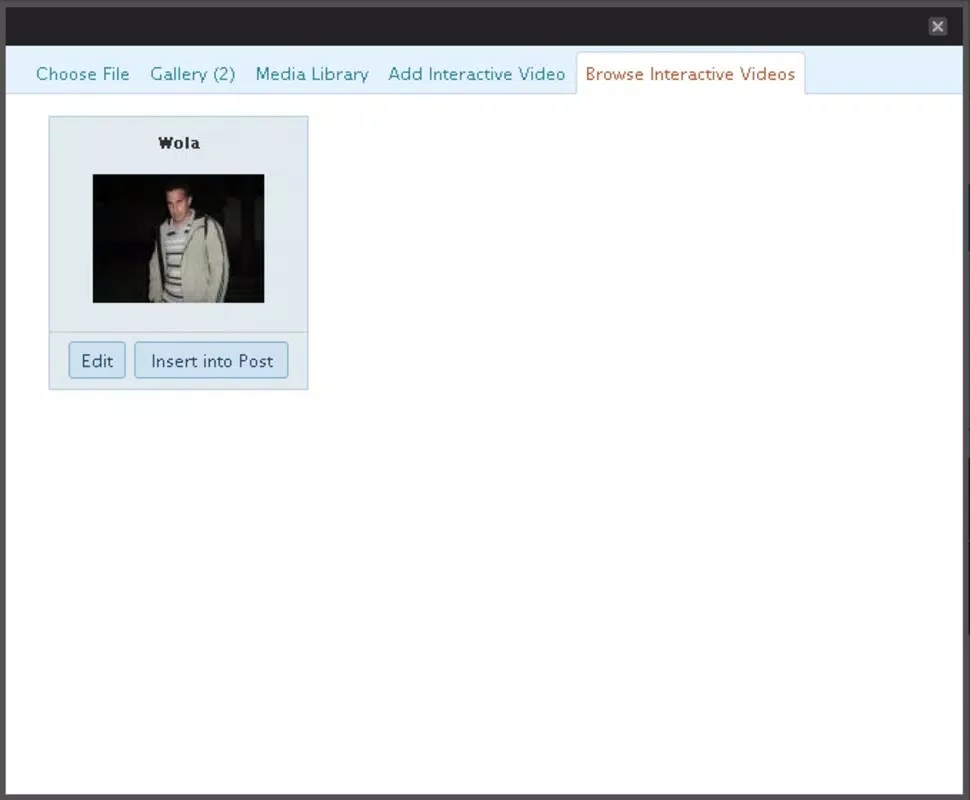
The plugin’s interface is designed to align with the WordPress dashboard, ensuring a familiar and intuitive experience for users already accustomed to the platform. Navigation is streamlined, with clear options for uploading media, selecting hosting methods, and managing video content. Visual style remains consistent with WordPress standards—clean, minimal, and functional—prioritizing usability over decorative elements.
The user experience is optimized for efficiency, allowing users to complete tasks such as file upload, editing, and embedding with minimal clicks. Although the developer did not list formal performance metrics, the plugin’s long-standing presence suggests stability and reliability across various device categories, including desktop and tablet environments. Responsiveness is maintained through standard WordPress rendering practices, ensuring that embedded videos display correctly on different screen sizes.
The plugin does not appear to introduce significant load times, though actual performance may vary depending on server configuration and media file size. Stability is expected to be consistent given its release history, though users are advised to test functionality on their specific setup. Overall, the UX reflects a mature tool built for practical, everyday use in content creation workflows.
Platform Compatibility & Technical Requirements
The Interactive Video Plugin for WordPress is designed for use with the WordPress content management system. The platform is compatible with both Android and iOS devices through the WordPress mobile app, allowing users to manage and publish content on the go. Specific operating system requirements were not listed, and the developer did not specify minimum OS versions or file size details.
Compatibility information was not fully disclosed, so users should verify functionality on their specific device and WordPress version. The plugin’s file size is not publicly available, which may affect installation on low-storage devices. However, since it is a server-side plugin rather than a standalone mobile app, its impact on mobile device performance is minimal.
Users should ensure their WordPress installation is up to date and that their hosting environment supports media uploads and Kaltura integration if required.
Pros and Cons
Pros
- Offers dual upload options: self-hosting or Kaltura integration for flexible content management.
- Includes an online video editor for basic post-production tasks.
- Supports a wide variety of multimedia formats and sources.
- Integrates smoothly with the WordPress ecosystem.
- Enhances content engagement through interactive video features.
Cons
- Specific technical requirements, such as OS version and file size, were not disclosed.
- Performance on low-end devices may vary due to lack of official metrics.
- Dependence on Kaltura for advanced editing may require additional setup or account creation.
- Long release date suggests limited recent updates, which may affect modern compatibility.
- No official information on mobile app availability or standalone functionality.
FAQ
Is the Interactive Video Plugin for WordPress free to download?
The plugin’s pricing model was not specified. Users should check the official WordPress plugin repository or developer site for current availability and cost details.
Can I use this plugin without Kaltura?
Yes, the plugin supports self-hosting of video and audio files directly on your server, allowing full functionality without requiring a Kaltura account.
Does the plugin work on mobile devices?
The plugin is designed for WordPress, which is accessible via mobile apps for Android and iOS. However, the developer did not provide specific details on mobile compatibility or standalone mobile app availability.
Is the plugin secure to use?
As a WordPress plugin, its security depends on regular updates and proper installation. Users should ensure the plugin is downloaded from trusted sources and kept up to date.
How often is the plugin updated?
The plugin was released in 2008, but the developer did not provide information on update frequency. Users should monitor the official source for any release notes or patches.
Final Thoughts
The Interactive Video Plugin for WordPress remains a practical choice for content creators who value control over their multimedia content. By offering both self-hosting and Kaltura integration, it caters to users with varying technical capabilities and hosting preferences. Its ability to support diverse media types and enhance user engagement makes it a valuable addition to any WordPress site focused on rich content delivery.
While the lack of recent updates and missing technical details may raise concerns about modern compatibility, the plugin’s long-standing presence suggests a degree of reliability. For educators, marketers, and independent publishers seeking a secure, customizable way to embed interactive videos, this tool delivers tangible benefits. Download Interactive Video Plugin for WordPress now to elevate your content strategy with powerful multimedia capabilities.


